$ $
Install
Set up a persistent alias (once)
curl -s https://cpynet.com/install.sh -o install.sh && bash -n install.sh && . install.shSHA256 of install.sh: 86bd4b2171ea3f0e8e845df8585e69a3d452eb94855bbab7dd097c8af9b96887
Read install.sh before running it
# cpynet installer - fetches the cpy/pst shell functions from https://cpynet.com/alias,
# adds a source line to your shell's rc file (once, never duplicated), and
# loads them into this session right now.
#
# Dot-sourced (". install.sh"), not run as a subprocess - that's what makes
# cpy/pst usable immediately in this terminal, not just in new ones.
CPYNET_RC=~/.bashrc
[ -n "$ZSH_VERSION" ] && CPYNET_RC=~/.zshrc
if curl -s https://cpynet.com/alias -o ~/.cpy.sh && bash -n ~/.cpy.sh; then
	grep -qxF 'source ~/.cpy.sh' "$CPYNET_RC" || echo 'source ~/.cpy.sh' >> "$CPYNET_RC"
	. ~/.cpy.sh
	echo "cpynet installed - cpy and pst are ready"
else
	echo "install failed, try again"
fi
unset CPYNET_RC
SHA256 of the script install.sh downloads (~/.cpy.sh): 8161c889a7240a3958267ffdb1697cff311246b5c4aaf57c02d44aa1d397a17e
Read that script too (also works as a manual install - copy the function below directly)
cpy() {
	local password="" ttl="" reads="" e2e="" a
	for a in "$@"; do case "$a" in
		-password=*) password="${a#-password=}" ;;
		-ttl=*) ttl="${a#-ttl=}" ;;
		-reads=*) reads="${a#-reads=}" ;;
		-e) e2e=1 ;;
	esac; done
	local qs=""
	[ -n "$ttl" ] && qs="ttl=$ttl"
	[ -n "$reads" ] && qs="${qs:+$qs&}reads=$reads"
	local target="https://llmtag.com/"
	[ -n "$qs" ] && target="https://llmtag.com/?$qs"
	local input key=""
	if [ -n "$e2e" ]; then
		key=$(openssl rand -base64 24)
		input=$(openssl enc -aes-256-cbc -pbkdf2 -salt -a -A -pass "pass:$key") || return 1
	else
		input=$(cat)
	fi
	local url
	if [ -n "$password" ]; then
		url=$(printf '%s' "$input" | curl -sS --fail-with-body -L -H "X-Password: $password" --data-binary @- "$target") || return 1
	else
		url=$(printf '%s' "$input" | curl -sS --fail-with-body -L --data-binary @- "$target") || return 1
	fi
	local bare="${url%%\?*}"
	echo "${bare##*/}"
	echo "curl \"$url\""
	if [ -n "$key" ]; then
		echo "key (share separately, never with the link/code): $key"
	fi
}
pst() {
	local password="" id="" key="" a
	for a in "$@"; do case "$a" in
		-password=*) password="${a#-password=}" ;;
		-key=*) key="${a#-key=}" ;;
		*) id="$a" ;;
	esac; done
	if [ -z "$id" ]; then echo "usage: pst <code> [-password=xxx] [-key=xxx]" >&2; return 1; fi
	local target="https://llmtag.com/$id"
	[ -n "$password" ] && target="$target?p=$password"
	local text
	text=$(curl -sS --fail-with-body "$target") || return 1
	if [ -n "$key" ]; then
		text=$(printf '%s' "$text" | openssl enc -d -aes-256-cbc -pbkdf2 -a -A -pass "pass:$key") || { echo "decrypt failed - wrong key?" >&2; return 1; }
	fi
	printf '%s\n' "$text"
	if command -v pbcopy >/dev/null 2>&1; then printf '%s' "$text" | pbcopy
	elif command -v wl-copy >/dev/null 2>&1; then printf '%s' "$text" | wl-copy
	elif command -v xclip >/dev/null 2>&1; then printf '%s' "$text" | xclip -selection clipboard
	elif command -v xsel >/dev/null 2>&1; then printf '%s' "$text" | xsel --clipboard
	elif command -v clip.exe >/dev/null 2>&1; then printf '%s' "$text" | clip.exe
	fi
}
Then just: command | cpy — prints the 6-digit code and a ready-to-run curl command on two lines. To protect it with a password: command | cpy -password=xxx. For the read direction: pst 123456 — prints the content to stdout and also copies it to the clipboard if it can find a way to (pbcopy/wl-copy/xclip/xsel/clip.exe).
Links are generated on the short https://llmtag.com domain; the install command above fetches from the main site, https://cpynet.com - same service, just a separate short domain reserved for links.
Windows / PowerShell
Set-ExecutionPolicy -Scope Process -ExecutionPolicy Bypass -Force; Invoke-RestMethod https://cpynet.com/install.ps1 -OutFile install.ps1; . .\install.ps1The Set-ExecutionPolicy part at the start of the command above temporarily loosens PowerShell's default policy of blocking unsigned scripts - only for this one window, not permanently.
SHA256 of install.ps1: 0ab2333a4ea86b1b8797c2b8251daa368d485dfeaa6dfcaad90c076d0217b43c
Read install.ps1 before running it
# cpynet installer - fetches the cpy/pst PowerShell functions from
# https://cpynet.com/alias.ps1, adds a dot-source line to $PROFILE (once, never duplicated),
# and loads them into this session right now.
#
# Dot-sourced (". .\install.ps1"), not run as a subprocess - that's what
# makes cpy/pst usable immediately in this session, not just in new ones.
$ErrorActionPreference = 'Stop'
try {
	Invoke-RestMethod https://cpynet.com/alias.ps1 -OutFile "$HOME/.cpy.ps1"
	if (-not (Test-Path $PROFILE)) { New-Item -ItemType File -Path $PROFILE -Force | Out-Null }
	if (-not (Select-String -Path $PROFILE -Pattern '\.cpy\.ps1' -Quiet -ErrorAction SilentlyContinue)) {
		Add-Content $PROFILE "`n. `"$HOME/.cpy.ps1`""
	}
	. "$HOME/.cpy.ps1"
	Write-Output "cpynet installed - cpy and pst are ready"
} catch {
	Write-Output "install failed, try again"
}
SHA256 of the script install.ps1 downloads (~/.cpy.ps1): 356ae02c39d58c86d717899969cf961e519eac156105140671c63941b9b5aa17
Read that script too (also works as a manual install - copy the functions below directly)
function cpy {
	[CmdletBinding()]
	param(
		[Parameter(ValueFromPipeline = $true)]
		[string[]]$InputObject,
		[string]$Password = "",
		[string]$Ttl = "",
		[string]$Reads = ""
	)
	begin { $lines = New-Object System.Collections.Generic.List[string] }
	process { if ($null -ne $InputObject) { foreach ($l in $InputObject) { $lines.Add($l) } } }
	end {
		$text = $lines -join "`n"
		$qs = @()
		if ($Ttl) { $qs += "ttl=$Ttl" }
		if ($Reads) { $qs += "reads=$Reads" }
		$target = "https://llmtag.com/"
		if ($qs.Count -gt 0) { $target = "https://llmtag.com/?" + ($qs -join '&') }
		$headers = @{}
		if ($Password) { $headers["X-Password"] = $Password }
		try {
			$url = (Invoke-RestMethod -Uri $target -Method Post -Body $text -Headers $headers -ContentType "text/plain; charset=utf-8").Trim()
		} catch {
			Write-Error $_
			return
		}
		$bare = $url -replace '\?.*$', ''
		$code = $bare -replace '.*/', ''
		Write-Output $code
		Write-Output "curl `"$url`""
	}
}

function pst {
	[CmdletBinding()]
	param(
		[Parameter(Position = 0)]
		[string]$Code = "",
		[string]$Password = ""
	)
	if (-not $Code) { Write-Error "usage: pst <code> [-Password xxx]"; return }
	$target = "https://llmtag.com/$Code"
	if ($Password) { $target = "$target`?p=$Password" }
	try {
		$text = Invoke-RestMethod -Uri $target -Method Get
	} catch {
		Write-Error $_
		return
	}
	Write-Output $text
	if (Get-Command Set-Clipboard -ErrorAction SilentlyContinue) {
		$text | Set-Clipboard
	}
}
This adds the cpy/pst functions to $PROFILE once - after that, "text" | cpy and pst 123456 work the same as the bash versions (parameters use PowerShell's own style: cpy -Ttl 1h -Reads 3 -Password xxx, pst 123456 -Password xxx).
Usage
Using the web interface
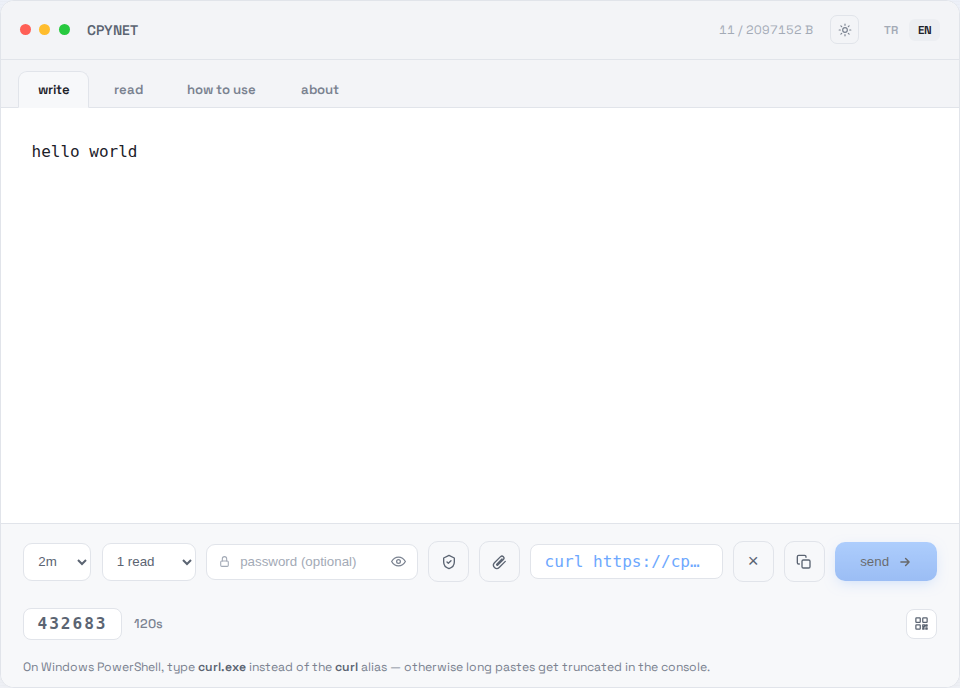
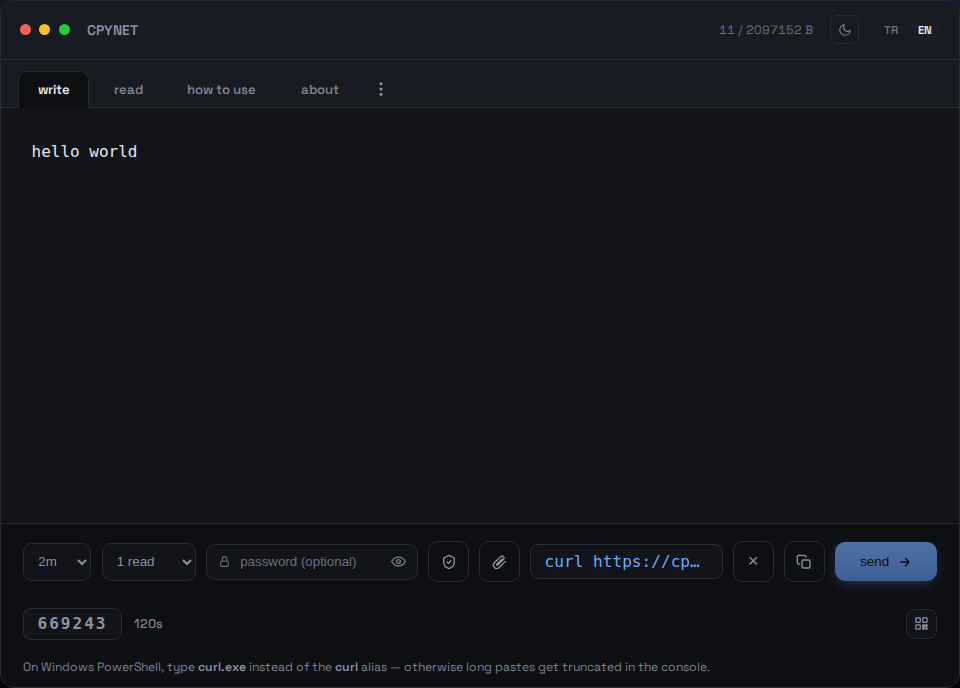
1. Type your text
Paste your text or code into the write tab, hit send.
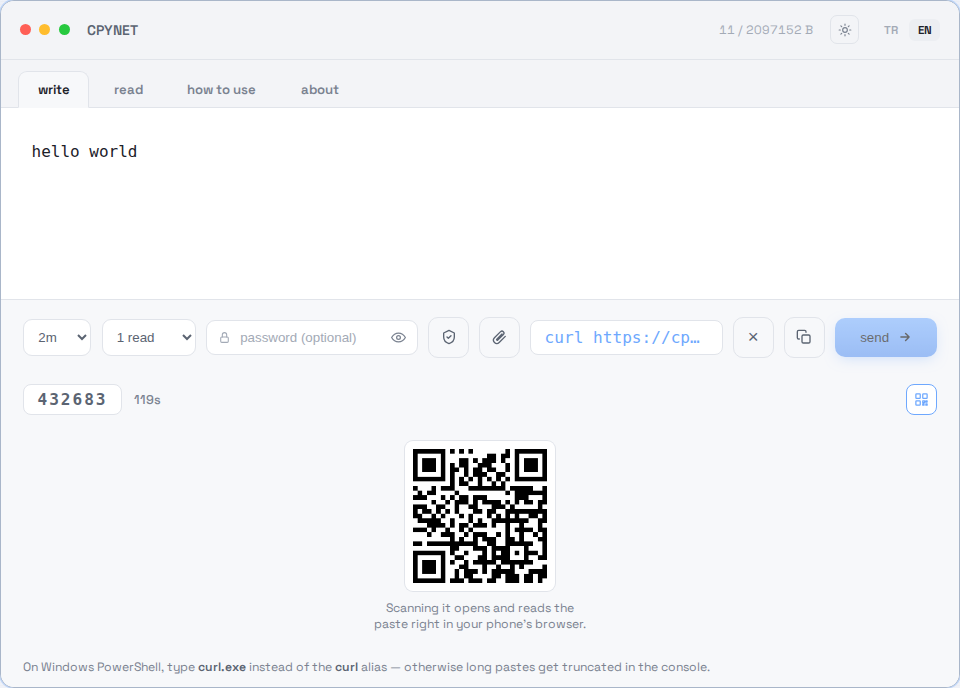
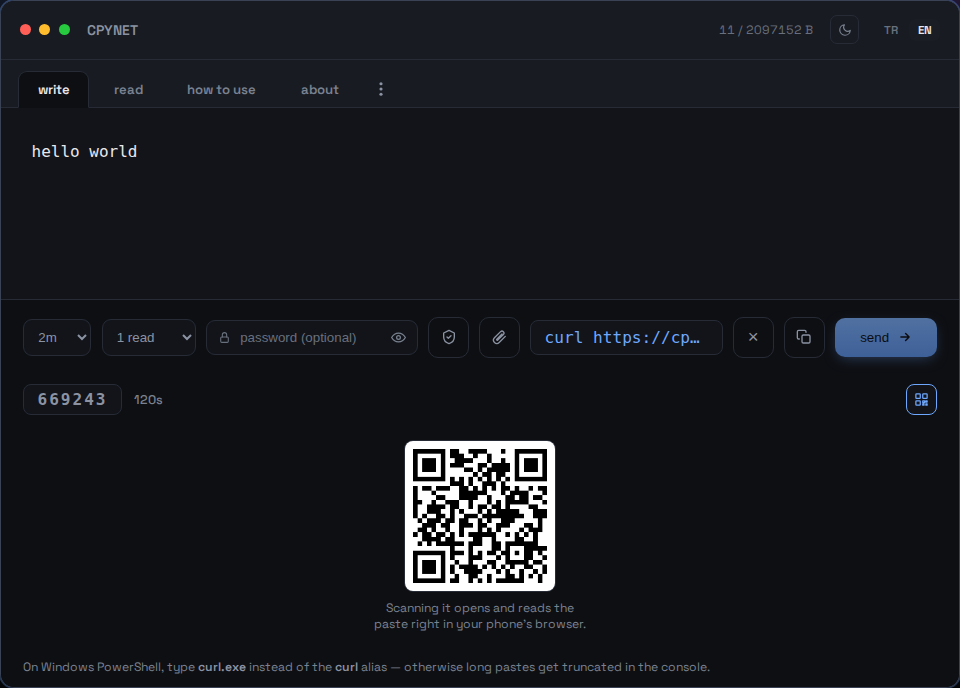
2. Share the code, link, or QR
Sending it generates a 6-digit code, a ready-to-run curl command, and a scannable QR code.
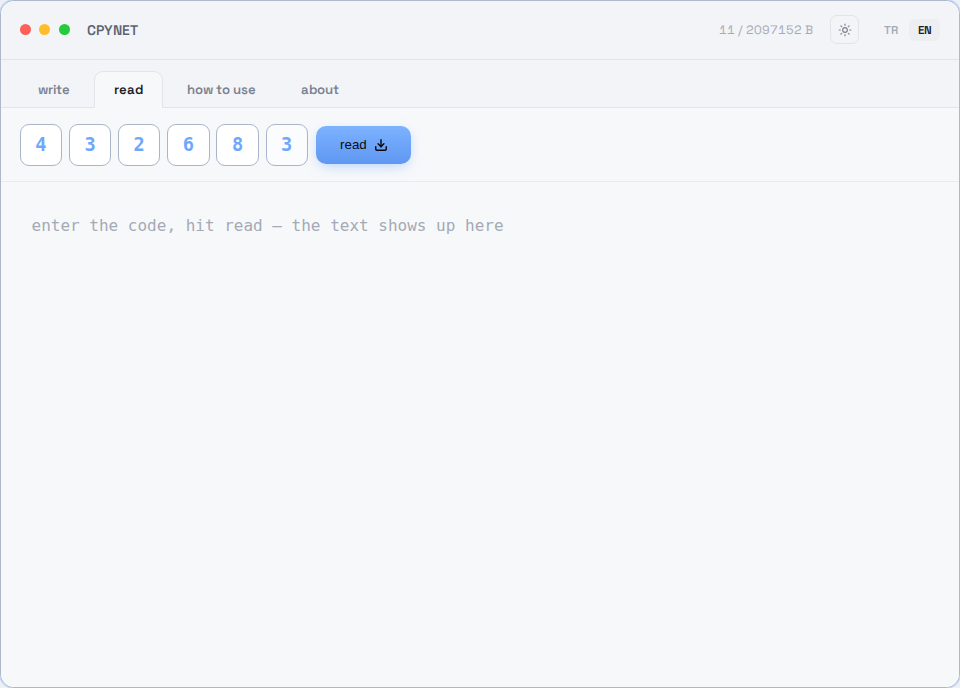
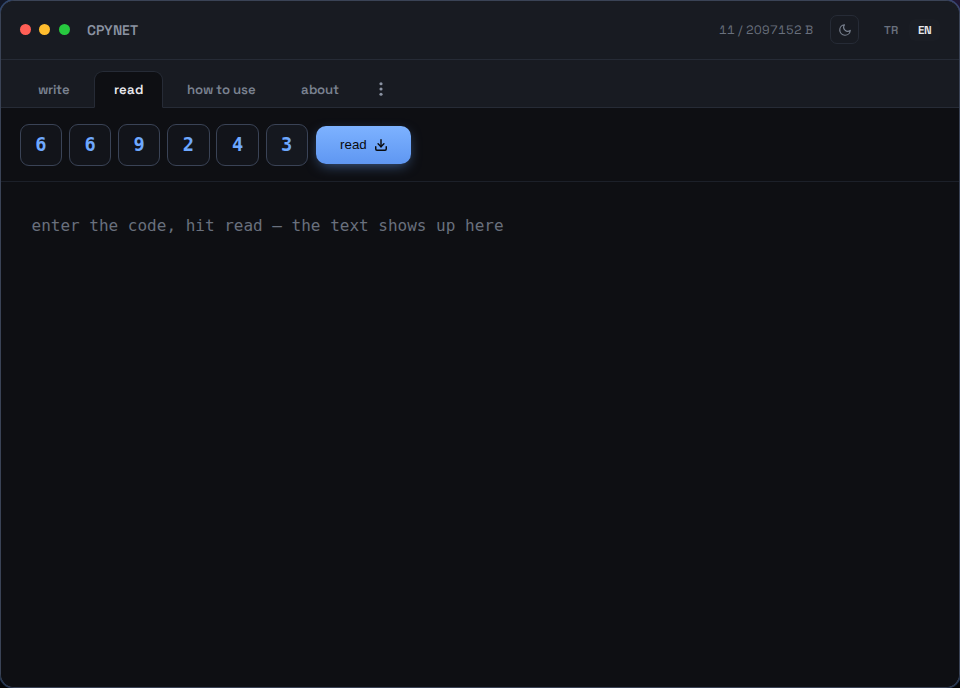
3. Enter the code
On the read tab, enter the code - or scan the QR code with a phone.
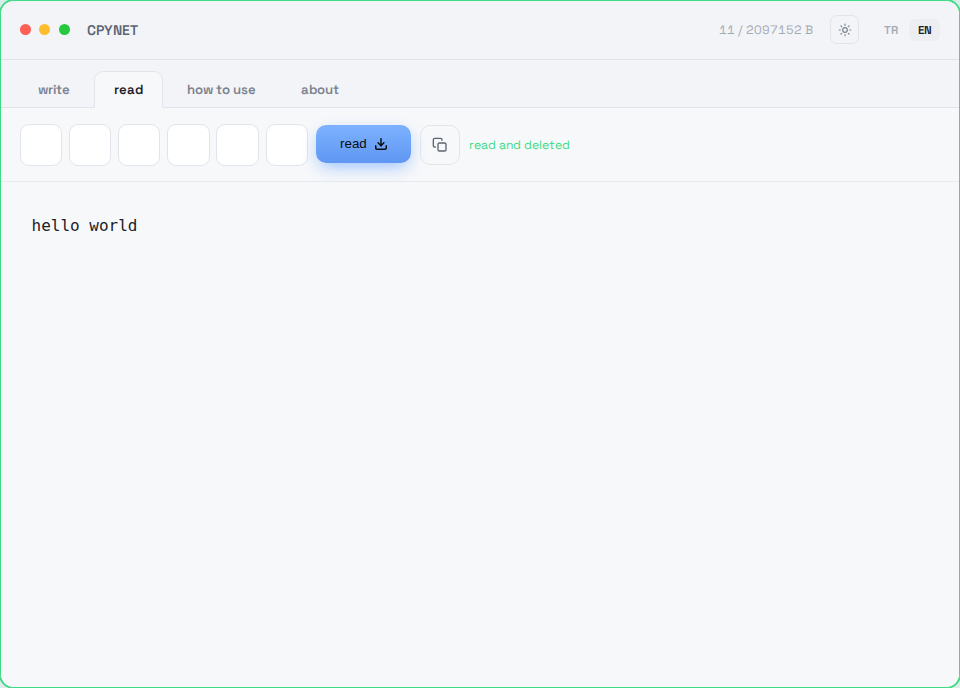
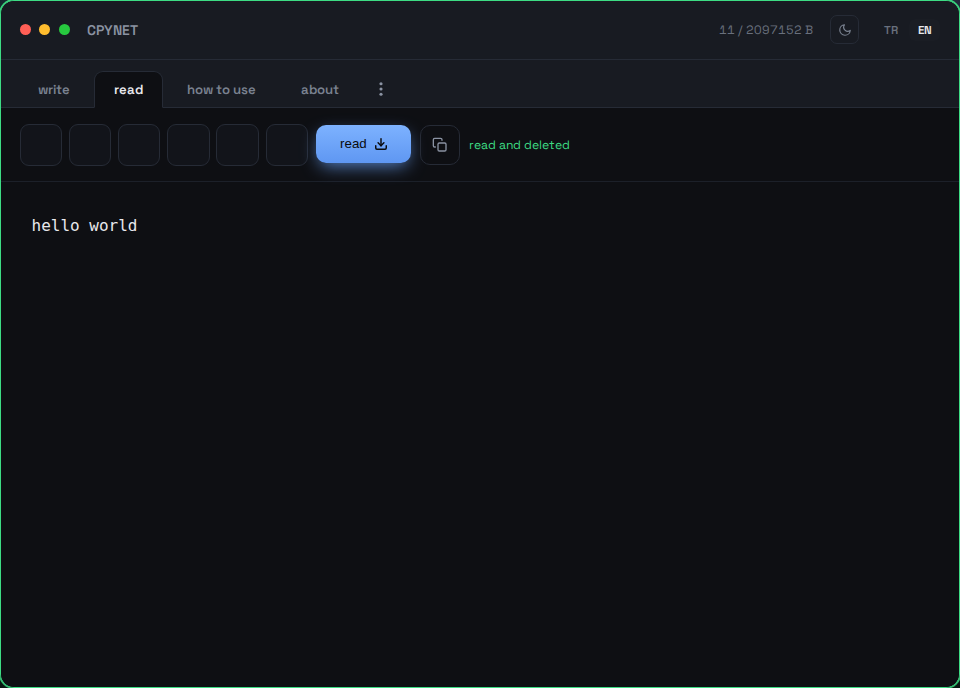
4. Read once, then it's gone
The content shows up instantly and is permanently deleted from the server - the same code won't work a second time.
Send from the terminal
command | curl --data-binary @- https://llmtag.com/The response is a bare, ready-to-use link.
Read from the terminal
curl "your-link"Read once, then permanently deleted. Installed the alias above? pst 123456.
Protect with a password
Fill in the password box below — the link automatically comes with ?p=password.
Windows / PowerShell
Invoke-RestMethod -Method Post -Body "text" -Uri https://llmtag.com/Invoke-RestMethod "your-link"The built-in Invoke-RestMethod works too, instead of curl.exe.
API / CI integration
Add Accept: application/json to the create request to get {"code","url","expires_at"} back instead of plain text - easier to parse in a script. Full reference, including status codes (400/401/404/413/429/503) and a GitHub Actions example: /api.
Frequently Asked Questions
How many times can a code be used?
Just once. It's permanently deleted from the server the instant it's read.
What happens when the timer runs out?
Even if nobody reads it, the paste is automatically deleted - no trace left on the server.
How do I use it when my clipboard is disabled?
CPYNET never touches the clipboard at all - everything moves through curl from the terminal, so a disabled clipboard doesn't matter.
Does the server see or store what I paste?
The text is only kept in memory, never written to disk - it's permanently deleted the moment it's read or the timer runs out. If password-protected, it's kept encrypted with AES-256-GCM.
Does it work on Windows?
Yes - in PowerShell, type curl.exe instead of the curl alias, otherwise long text can get truncated in the console. Or use the built-in Invoke-RestMethod, or install the cpy/pst functions via the Windows / PowerShell section above.
What's the max size and code length?
Up to 2 MB, a 6-digit code, auto-deletes within 2m by default - selectable up to 1d (the ?ttl= override, or the TTL selector on the write tab). Burns after 1 read by default - selectable up to 10 reads (the ?reads= override, or the reads selector).
Why CPYNET?
Built for environments where clipboard sharing isn't an option: remote servers over SSH, machines where clipboard access is locked down by policy, or separate machines/containers/virtual desktops with no shared clipboard between them. CPYNET never touches the OS clipboard at all - everything moves as plain text over curl - so it can be used confidently even where clipboard is fully disabled.
Features
- One-time read: permanently deleted the moment it's read
- Auto-deletes when the timer runs out, even if nobody reads it
- Password-protected sharing: AES-256-GCM + PBKDF2, the server only ever holds plaintext momentarily
- Live notification: your tab knows the instant it's read (SSE)
- Small file support (allowed extensions only, kept for at most 1h): 📎 to attach one, downloads back with its original filename and content type
- Per-IP rate limiting: guards against code-guessing and brute-force scans
Allowed file extensions: .txt, .log, .csv, .json, .md, .pdf, .doc, .docx, .rtf, .xml, .yaml, .yml, .pem, .crt, .key, .conf, .cfg, .env, .ini, .toml
Security
The server never executes, evaluates, or pipes what you paste into a shell - it only stores it and hands it back exactly as received. No third-party dependencies (pure Go standard library), no filesystem access with user data, no outbound requests.
Zero-knowledge encryption (the server can never see it)
The shield icon (🔒) on the write tab, or cpy -e from a terminal, is a different layer from the password above: with a password, the server briefly decrypts the text itself to check it; here, encryption happens entirely on your side - the server never sees anything but ciphertext.
- Your browser (or cpy -e) generates a random key - it never leaves your machine.
- The text is encrypted with that key, in the browser (WebCrypto AES-256-GCM) or the terminal (openssl).
- Only the ciphertext is sent to the server, and that's all it ever stores - it never sees the plaintext.
- The key travels in the link's #key= part (browsers never send a fragment to the server) or is handed over separately with pst -key= in a terminal - the link/code alone is useless without it.
⚠️ Disclaimer: this doesn't remove the risk of piping something into a shell (curl ... | bash) without reading it first - that's a universal risk for any sharing tool, not specific to this one. Never run a command you haven't inspected from a source you don't trust.
Limits
Max size: 2 MB · Code: 6 digits · Auto-delete: 2m by default, selectable up to 1d · Reads: 1 by default, up to 10
CPYNET v1.0 — single file, single Go binary — no external database or dependencies.